As a User you are able to manage your quarantine files and also manage your own WhiteList.
Below there are some informations HowTo manage Quarantine by yourself.
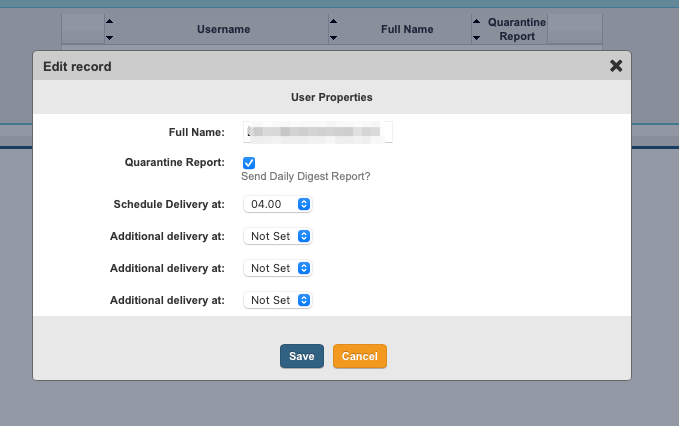
Libra Esva is, for default, configured to send you a Quarantine report at 4.00 AM if it needs.
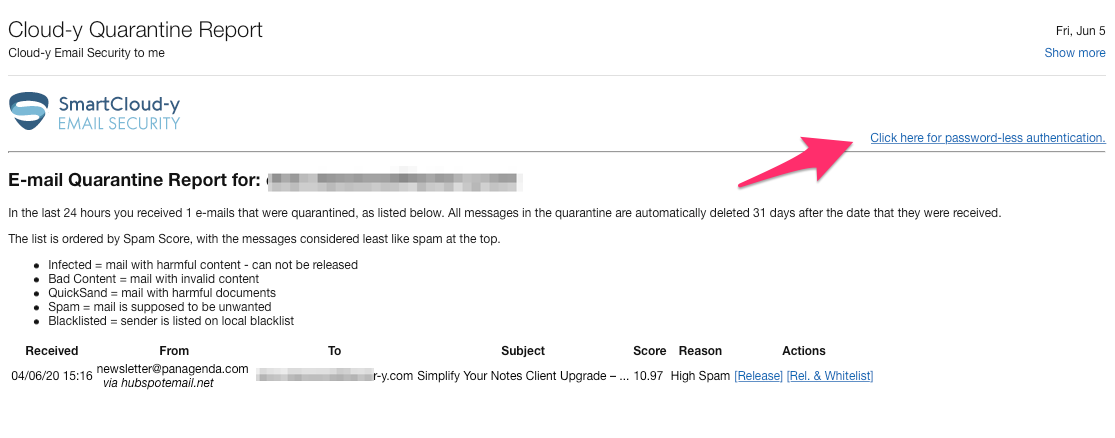
You will receive a mail linke this one :
By then you can choose to manage your quarantine area and then you have to click on "Click here for password-less authentication" (see the red arrow).
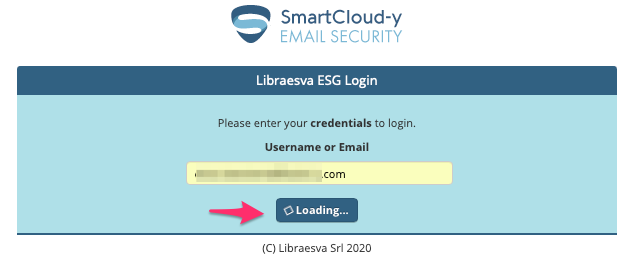
Libra esva redirect you to a login page where you need fill down your email address :
The you are asked to insert your password :
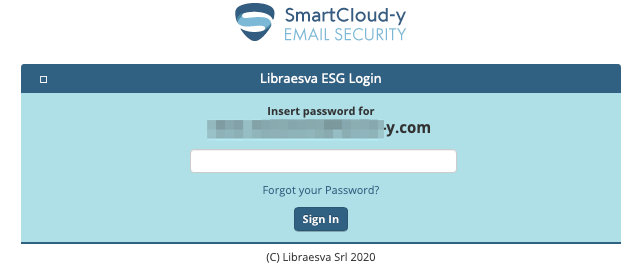
In case you don't rembere the password, you are able to reset it. "Forgot your password" link will send you an email with a direct authenticated link to your Quarantine area into Libra Esva :
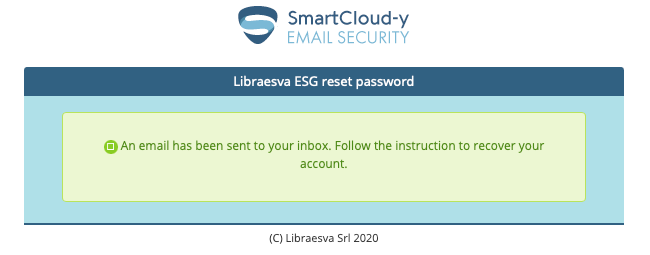
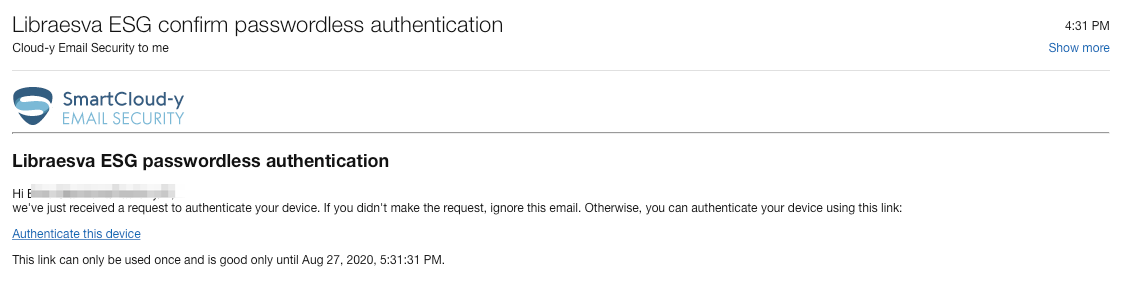
Now you can folow the link "Autenticate this device" and you will be redirected to your Quarantine Area into Libra Esva :
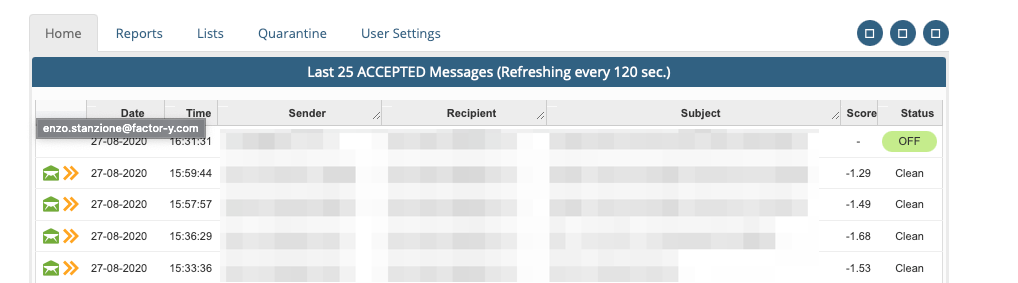
The main page of your Quarantine is an abstract of all your activity during the month. You can personalize your profile using the tab "User Setting" as shown below :
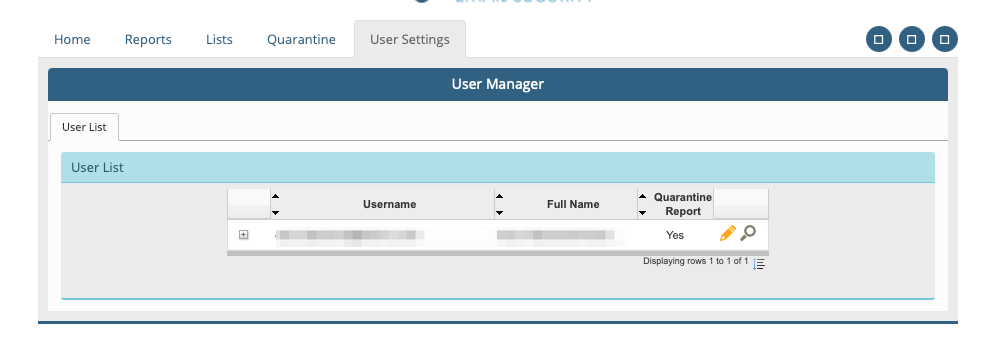
In this panel you can set until four schedule Delivary as your needs.