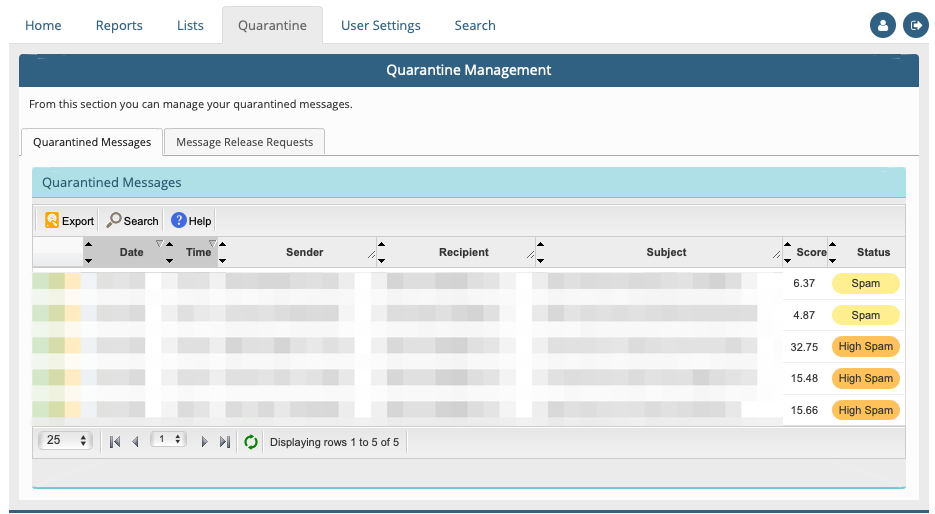
From this menù you can access quarantined messages, in other words messages categorized as spam or hi-spam, or messages blocked by content filtering rules.
Quarantine entries shown operate according to the privileges of the connected user.
The Administrator can view and manage all system entries, the Domain Administrator can only operate those of the domain he belongs to, the single user can only operate his entires and those ones referring to his associated alias.
From this interface you can:
×NOTE: options to configure quarantine retention and digest reports are not here, but under menù System->Spam and Quarantine Settings.
Message Release Request:
The Administrator can manage all Message Release Requests received from users not allowed to Self Release.
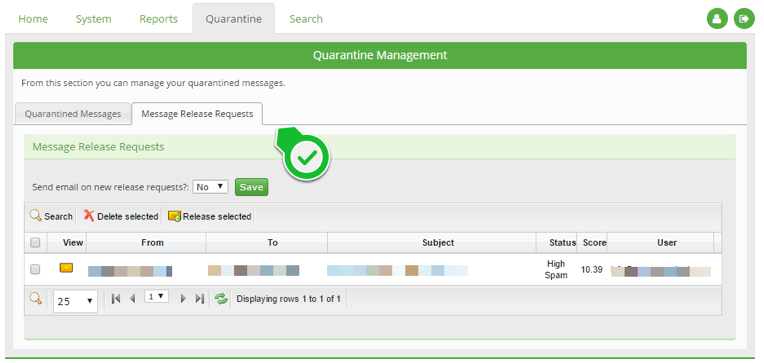
Administrator can set an email address for Message Release notification and choose to forward the request also to the Domain Admin.